
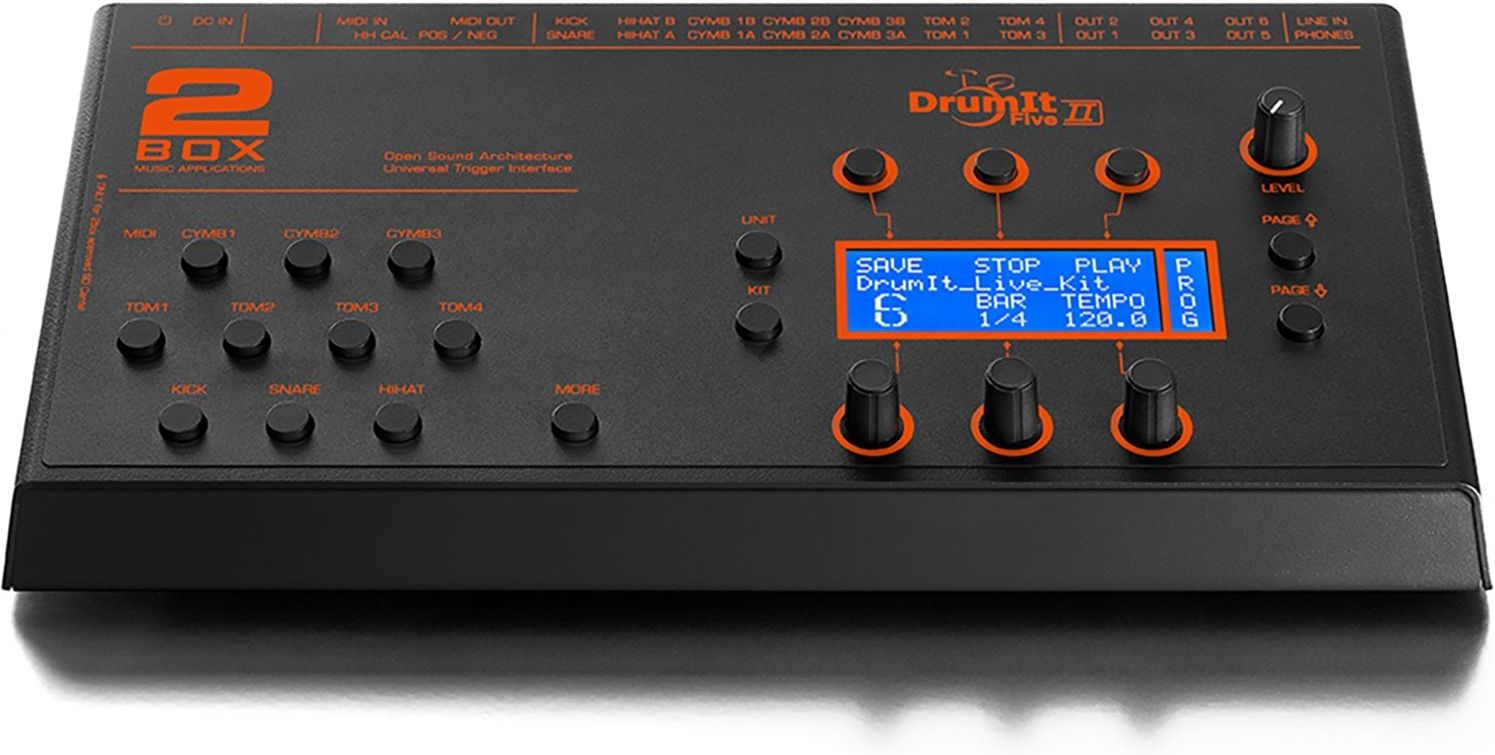


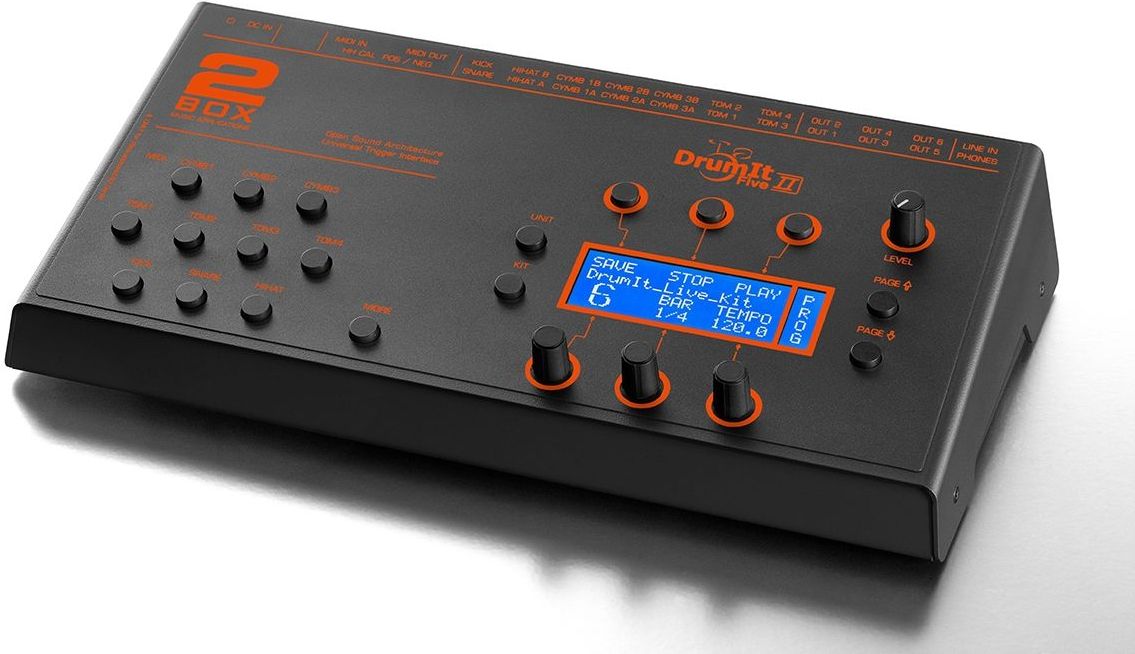


2Box DrumIt Five MKII module
€999.00*
Prices incl. VAT plus shipping costs
(Free shipping from 49,-€ order value within Germany)

Delivery in 7-14 days
32 GB sound memory (SD card pre-installed)
75 editable preset kits, 100 memory locations
first-class PCM sounds (24 bit/44.1 kHz) incl.
Metronome and song player for practising
extensive sound library for free download
Signature sounds from Simon Phillips and Randy Black
Free editor software (Mac/PC) for download
allows you to create your own multilayer sounds
14 trigger inputs (6.35 mm TRS jack)
6 separate line outputs (6.35 mm TS jack)
Stereo line input (6.35 mm TRS jack)
Stereo headphone output (6.35 mm TRS jack)
MIDI in/out (5-pin DIN)
SD card slot
compatible with all common pads and trigger technologies
also analyses 3-zone snares and 3-zone cymbals
Kit up/down, tap tempo and start/stop possible via trigger
incl. module holder
Sound memory 32 GB (SD card)
Presets 75 kits, editable
100 kit memory locations (total)
D/A converter 24 bit/44.1 kHz
Trigger inputs 14 sockets (6.35 mm TS jack), 15 trigger channels
Line outputs 6 separate sockets (TS jack, 6.35 mm)
Stereo line input 6.35 mm TRS jack
Stereo headphone output 6.35 mm TRS jack
MIDI in/out 5-pin DIN sockets
Dimensions (WDH) 314 x 159 x 67 mm
Weight 1.92 kg
2Box's flagship DrumIt Five MKII offers 32 GB of the finest multi-layer samples, all of which have been recorded using multi-track technology in professional recording studios with elaborate miking and countless volume levels. The result: outstanding dynamics that enable ultra-realistic-sounding snare rolls, ghost notes, swelling cymbal sounds, etc.
The factory-installed SD card provides 75 pre-programmed and fully editable kits plus 25 empty memory slots for your own creations. The robust DrumIt Five Mk2 weighs a whopping two kilograms and is compatible with all common pads and trigger technologies, can analyse 3-zone snares and cymbals and also allows the triggering of functions such as kit up/down, tap tempo and start/stop.
There are 14 TRS jack sockets on the back of the DrumIt Five MKII for feeding in trigger signals, 6 separately controllable line output sockets and two stereo sockets on the far left for connecting headphones or playing a line signal source (external player, playback etc.). 2 MIDI sockets (5-pin DIN) complete the connection panel.
The DrumIt-Five system also allows you to create your own multi-layer sounds, and WAV files of any type can be converted into 2BOX format and loaded into the module or onto the SD card. Loops, complete songs or playbacks can also be stored on the card for later triggering from a pad.
Another alternative to the factory sounds is the huge <a href="https://www.2box-drums.com/sounds/">online sound library</a> from 2BOX. A huge number of signature sounds are available there for free download, which have been recorded and produced by renowned drummers such as Simon Phillips and Randy Black. Each sound can be previewed before downloading.
A powerful tool for every creative drummer is the free 2Box <a href="https://www.2box-drums.com/editor/"> editor software</a> (Mac/PC), with which the following work can be done conveniently on the computer:
-> Editing the individual sounds of a kit (pitch, volume)
-> Compiling the sounds of a kit
-> Assign other sounds to kits using drag & drop
-> Copying and renaming kits
-> Creating your own kit bank
-> Creating your own multilayer sounds
-> Creating loops
-> Creating multi-zone sounds
Contact:
2BOX Distribution GmbH
Neukirchner Str. 18
65510 Hünstetten
E-mail: info@2box-drums.com
Web: www.2box-drums.com
Login